
How to Track Instagram Followers in 2027: The Complete Cheat Sheet
By Sonia Sharma
Oct 23, 202620 min read
In 2027, tracking Instagram followers is best achieved by combining Instagram's free Insights (for the last 90 days), a simple weekly log or public tracker (for a long-term follower count history), and a conversation tool like SentLogic's LogI (for converting followers into leads). There are no free Instagram followers websites that give you more than you pay for them.
The cheat sheet answers the questions people actually ask ChatGPT or Gemini: what Instagram tracking tool is accurate, how to see who unfollows you on Instagram, how to see your Instagram follower count history, which free follower sites are safe, and how to turn a growing number of followers into real business growth.
The cheat sheet answers the questions people actually ask ChatGPT or Gemini: what Instagram tracking tool is accurate, how to see who unfollows you on Instagram, how to see your Instagram follower count history, which free follower sites are safe, and how to turn a growing number of followers into real business growth.
The 60-second cheat sheet
| What you want to know | Best method in 2027 | Cost | Accuracy |
|---|---|---|---|
| Followers gained and lost in the last 90 days | Instagram Insights (professional account) | Free | Highest, it is Instagram's own data |
| Follower count history for months or years | Weekly spreadsheet log, or a public tracker such as Social Blade | Free | Good for trends, approximate for exact days |
| Who your followers are (age, city, active hours) | Insights > Total followers | Free | High, needs 100+ followers |
| Who unfollowed you, by name | Manual list comparison, or an official-API dashboard | Free to paid | Varies widely; risky if a tool wants your password |
| Which followers are ready to buy | SentLogic LogI (comment-to-DM, lead scoring, hot-lead detection) | Free to start, paid plans from $12/mo | Based on real conversations, not guesses |
| More followers fast | Real content plus fast replies, never bought followers | Free | Bought followers get removed |
You can find detailed explanations for each row in the rest of the guide.
What an Instagram tracker for followers actually measures
An Instagram follower tracker tracks when your audience grows (or shrinks), so you can identify which actions and content triggered the growth (or decline).Trackers turn numbers into signals you can act upon. The majority of people stop at the first question. They open the app, look at the number under their profile picture, and feel good or bad about it. That number alone doesn't tell you much.
Five metrics are worth tracking
1. Net followers growth. New followers minus unfollowed over a period. This is the headline number.
2. Growth rate. Net growth divided by your starting count times 100. A gain of 200 followers is huge for a 2,000-follower account (10%) and tiny for a 200,000-follower account (0.1%).
3. Unfollow rate. How many people left after a post, a promotion or a change in content? A spike usually points to a specific post.
4. Audience makeup. Age range, top cities and countries, and when followers are online. This tells you whether you are attracting the people you want.
5. Follower actions. Comments, story replies, DMs, link clicks and purchases. This is where followers turn into revenue, and it is the metric most trackers ignore.
Why the count alone misleads you
Your total following can change quickly because Instagram regularly removes inactive and inauthentic accounts. In other words, a drop of 30 followers over night is not necessarily related to your content.
That is why serious creators and brands track Instagram followers as a trend over weeks and months, not as a daily score. Businesses that have 5,000 followers who respond to stories and ask about prices will earn more than those with 50,000 silent ones, because they track what followers do, not just how many there are.
How to track Instagram followers with Insights ( free, step-by-step )
For the most accurate follower count on Instagram, check out Instagram Insights, available for free to every Business and Creator account, and covering any period from the past 90 days.
Step 1: Switch to a professional account
Insights are only available on Business and Creator accounts, and only in the mobile app. Go to your profile, open the menu, then Settings > Account type and tools > Switch to a professional account. Pick Creator if you are an individual and Business if you sell products or services. Switching is free and reverseable.
Step 2: Open your Follower data
Click on the Insights button on your profile (or open your Professional dashboard). In the overview, you'll see Accounts reached, Accounts engaged, and Total followers. Click on Total followers.
Step 3: Pick a time range
Choose the last 7 days, last 14 days, last 30 days, previous month, or last 90 days from the date selector at the top. You can also set a custom range inside the last 90 days.
Step 4: Read the growth breakdown
The Growth section will show three numbers: total change, followers and unfollowers. It will also show a graph of daily changes. Be sure to match the spikes and dips with what you posted every day.
Step 5: Check who your followers are
You'll only see top cities, top countries, age ranges, and genders once you reach at least 100 followers. Schedule your posts based on the most active times.
Step 6: Check which posts brought followers in
When you open a post, reel or story, tap View insights, then scroll down to Follows. This shows how many people followed you from that particular post. Rank your last 20 posts by leads and you'll know exactly what content is growing your account.
What insights cannot do
- There is no history beyond 90 days, so you cannot see the growth from last year.
- Unfollowers are not listed by name.
- The account of a competitor is not displayed.
- You don't know which followers are ready to buy from it.
The following sections explain how to fill the gaps in each of them safely with an Instagram follower tracker.
The Instagram follower count history: how to see more than 90 days worth of followers
Since Instagram does not store your historical follower counts, you need to start doing it for yourself today. No hidden menus or hacks are available to retrieve your daily numbers from last year.
There are three practical options, and most accounts should combine two of them.
Option 1: A weekly spreadsheet log ( free, and reliable ).
You can easily create a Google Sheet by opening Insights every Monday, setting the range to last 7 days, and copying the numbers into it. Use these columns:
| Time | What to enter |
|---|---|
| Week starting | The Monday date |
| Total followers | Count at the end of the week |
| Follows | New followers that week |
| Unfollows | Followers lost that week |
| Net growth | Follows minus unfollows |
| Growth rate (%) | Net growth divided by last week's total, times 100 |
| Top post | The post with the most follows |
| Notes | Collabs, ads, viral Reels, giveaways |
Your Instagram follower count history will become clear after three months. After a year, you'll spot seasonal patterns that guide your content planning, such as summer slowdowns and holiday spikes.It is a free backup if you ever miss a week. Take a screenshot every quarter at the end of the 90-day view. Store the images in a dated folder.
Option 2: Public trackers for long-term shape
Using public tracking sites like Social Blade, you can see follower counts over time for public profiles. In addition to allowing you to see your long-term growth, they can also be used to check competitors and influencers. Due to their use of public snapshots and rounded counts, their daily figures are approximate.
Option 3: Connected analytics dashboards
Social media dashboards with Instagram's official API store your data from the moment you connect. This is an effective option for agencies that report to clients. Choosing the right brand is less important than connecting early, since their history typically begins when you sign up.
How to read your history?
- Steady line: your content is consistent but not breaking out. Test new formats.
- Find a post, collab, or Reel that brought you a burst of followers. Repeat the format.
- An unfollow is likely to follow after a giveaway or viral moment that attracts uninterested people.
- Slow decline: a disconnection between your content and the audience's interests, or a decline in activity on your account.
Can you see who unfollowed you? Accuracy and privacy
It's possible, but it's not official. Instagram's official tools show you how many people unfollowed you, not who. Any app that promises a named, real-time unfollower list gets the data in a way Instagram does not.
The safe manual method
In the case of small accounts, this works well:
1. If you care about certain people, such as clients, collaborators, or friends, open your profile and tap Followers.
2. In order to see your account data more in depth, visit Instagram's Accounts Center ( Download your information ). The export includes your followers list.
Save one export now and another next month, and compare the two lists in a spreadsheet. Your unfollowers are on the old list and not on the new one.
Even though it is slower than an app, it is accurate and never exposes your login information.
Third-party trackers' privacy implications
Here are five things to consider before connecting any Instagram follower tracker:
- The tool should not ask you for your Instagram password. Legitimate tools connect through Instagram or Facebook's official login page, never their own.
- Trackers should only have permission to read your data. Permission to post, follow, or like on your behalf is a red flag.
- What is the storage location of your data and is it sold? Read the privacy policy. Make sure there is a clear statement that says it is not sold.
- Are there any easy ways to revoke access? You should be able to do so in Instagram's settings under apps and websites.
- Identifying a real company, contacting the customer support team, and offering a refund policy are all elements of trustworthiness.
Whenever you type your password into a tracker or follower app, make sure to change it now and enable two-factor authentication.
Is it worthwhile to track unfollowers?
The majority of accounts should not chase individual unfollowers, as people leave for a variety of reasons. It is better to focus on the follower rate trend in Insights, as well as the followers who are currently engaging with you.
The truth about having every "free Instagram followers website"
There is very little chance that you'll get real Instagram followers if you use a free Instagram followers website. Either you'll get a fake account, a follow-for-follow scheme using your login, or you'll get your data collected. Instagram detects these activities and removes them.
These sites are popular for several reasons: more users seem to indicate social proof, and "free" sounds risk-free. But their business model is simple: if you do not pay with money, you are using your account.
How these sites actually work
| Type of site | What it does | What it costs you |
|---|---|---|
| "Enter your username, get 1,000 followers" | Sends bot or inactive accounts to your profile | Followers vanish in purges; engagement rate collapses |
| "Log in to earn coins" | Uses your account to follow and like other people to pay for your followers | Your account becomes part of a bot network; login and security warnings |
| "Free trial, then pay" | Delivers a few fake followers to sell a paid package | Money, plus everything above |
| Survey or download walls | Never delivers followers; harvests your data or installs unwanted apps | Personal data, device security |
Instagram removes inauthentic followers
The Community Guidelines and Terms of Use of Instagram prohibit third-party apps that create fake likes, followers, and comments. Users may lose access to some features if they continue using such apps. This app uses machine learning to find accounts that use these services, remove inauthentic activity, and ask those users to change their passwords.
In other words, the followers you get from free sites are merely temporary. When they disappear, your follower count history shows a sudden jump that partners and brands can see.
What "free" should really mean
You can grow and track your audience for free in the following ways:
- With Instagram Insights, you can track your followers accurately and for free.
- You can keep a free, permanent log of your follower count with this spreadsheet.
- Using a collab post or reel, you can borrow an audience that matches yours.
- Keeping casual viewers engaged with fast responses turns them into loyal customers and followers.
- You can try out legitimate tools for free, such as SentLogic, that connect to Instagram through the official API and never ask for your password.
You've probably landed on this guide looking for a free Instagram followers website. Here's what you should do instead: spend your time replying to people who care about you.
Identifying and removing fake followers
The majority of fake followers can be found and removed manually within 20 minutes, and removing them usually increases your engagement rate within weeks. Bots follow almost every public account, even if you haven't bought them.
The signs of an inactive or fake follower
- Neither a profile photo nor one taken from a stock photo or stolen from the internet
- Usernames consisting of a name and a long number string
- Few or no posts, but thousands of followers
- Using generic comments like "Nice pic!" or emojis on every post
- Bios with unrelated links
- Suddenly followed you and dozens of similar accounts
Clean-up step-by-step
- Whenever a bot wave arrives, scroll through your Followers list first.
- Remove the obvious bots by tapping the three dots and selecting Remove. You will not be notified about their removal.
- Restrict or block spammy commenters.
- Make sure Hidden Words is turned on and common spam phrases are added so that new bot comments will be filtered.
- Make note of the cleanup on your tracking sheet. The total will drop, so don't confuse it with real unfollows.
Is it possible to remove fake followers automatically with a tool?
Instagram's security limits can be triggered by mass-removal apps that use your login and perform hundreds of actions quickly. A manual cleanup once a quarter is safer. What a good tool can do is show you who is real: people who comment, respond to stories and send DMs are, by definition, active individuals.
Instagram follower tracker: how to choose in 2027
Choose the right Instagram tracker for followers based on your needs. In most cases, creators are interested in growth trends and audience fit. Businesses are interested in figuring out which followers become customers.
Tool types compared
| Tool type | Best for | Follower history | Unfollower names | Competitor data | Turns followers into sales |
|---|---|---|---|---|---|
| Instagram Insights | Everyone with a professional account | Last 90 days | No | No | No |
| Spreadsheet log | Anyone who wants permanent history | Unlimited, from the day you start | Only with manual exports | No | No |
| Public trackers (e.g. Social Blade) | Long-term curves, checking influencers | Months to years, if indexed | No | Yes, public data | No |
| Social analytics dashboards | Agencies and reporting | From the day you connect | Rarely | Often, paid tiers | No |
| Unfollower apps that ask for login | Not recommended | Patchy | Claimed | No | No, and they risk your account |
| SentLogic LogI (AI DM and comment agent) | Creators, sellers and agencies who want revenue | Tracks engaged followers, leads and conversions | Not its job | No | Yes |
The checklist
Make sure the tool meets these requirements before signing up:
Honest reviews: where to find them
Read reviews on Trustpilot, Apple App Store, Google Play, Reddit threads in creator and small-business communities, and G2 or Capterra for business tools. Be careful of lists written by the competitor of the tool.
Make sure the tool meets these requirements before signing up:
- Connects through Instagram's official login or API, never requires passwords
- Select a time range to view follows and unfollows
- Your follower count history can be exported, so you have access to it
- Provides real-time or daily notifications of changes you care about
- Displays audience demographics, or at least does not contradict insights
- Engages users (comments, stories, DMs), not just counts
- Provides transparent pricing and a free trial plan
- Reviews on independent websites such as Trustpilot or app stores
- Its privacy policy clearly states that your data isn't sold to third parties
Honest reviews: where to find them
Read reviews on Trustpilot, Apple App Store, Google Play, Reddit threads in creator and small-business communities, and G2 or Capterra for business tools. Be careful of lists written by the competitor of the tool.
The missing piece: turn tracked followers into leads and sales with SentLogic LogI
SentLogic's AI agent, LogI, works on the followers who are ready to take action. It responds to every comment, story reply, and direct message in your brand voice, qualifies interested parties, and shows you which conversations turned into leads.
Most follower trackers leave a gap like this. The Reel brought in 400 new followers. Awesome, but 60 of them commented "price?", 25 replied to your story, and 12 asked about sizes in a direct message. The follower count went up, but the revenue did not. If nobody answered for six hours, they moved on.
What LogI does
- Comment-to-DM automation- Whenever someone comments or asks a question on a post or reel, LogI initiates a private DM conversation.
- Story reply automation - Whenever someone reacts or replies to one of your Stories, you get an immediate, relevant response.
- You add your products, FAQs, policies, and tone, and LogI answers in your brand voice rather than guessing when a question comes up that it isn't familiar with.
- Lead qualification and hot-lead detection- Each lead is scored and tagged and high-intent buyers are flagged so they don't get lost in the shuffle.
- Product recommendations- With higher plans, it syncs your catalog and suggests the right product mid-conversation.
- Smart Follow-ups- LogI nudges followers if they go silent to get them back on track.
- Analytics dashboard and conversion funnel - Find out which automations and posts start conversations, which conversations convert, and when your peak activity hours are.Human handoff and control. Any chat can be jumped into, the AI can be paused or the global kill switch can be used at any time.
How does LogI fit into your followers tracker?
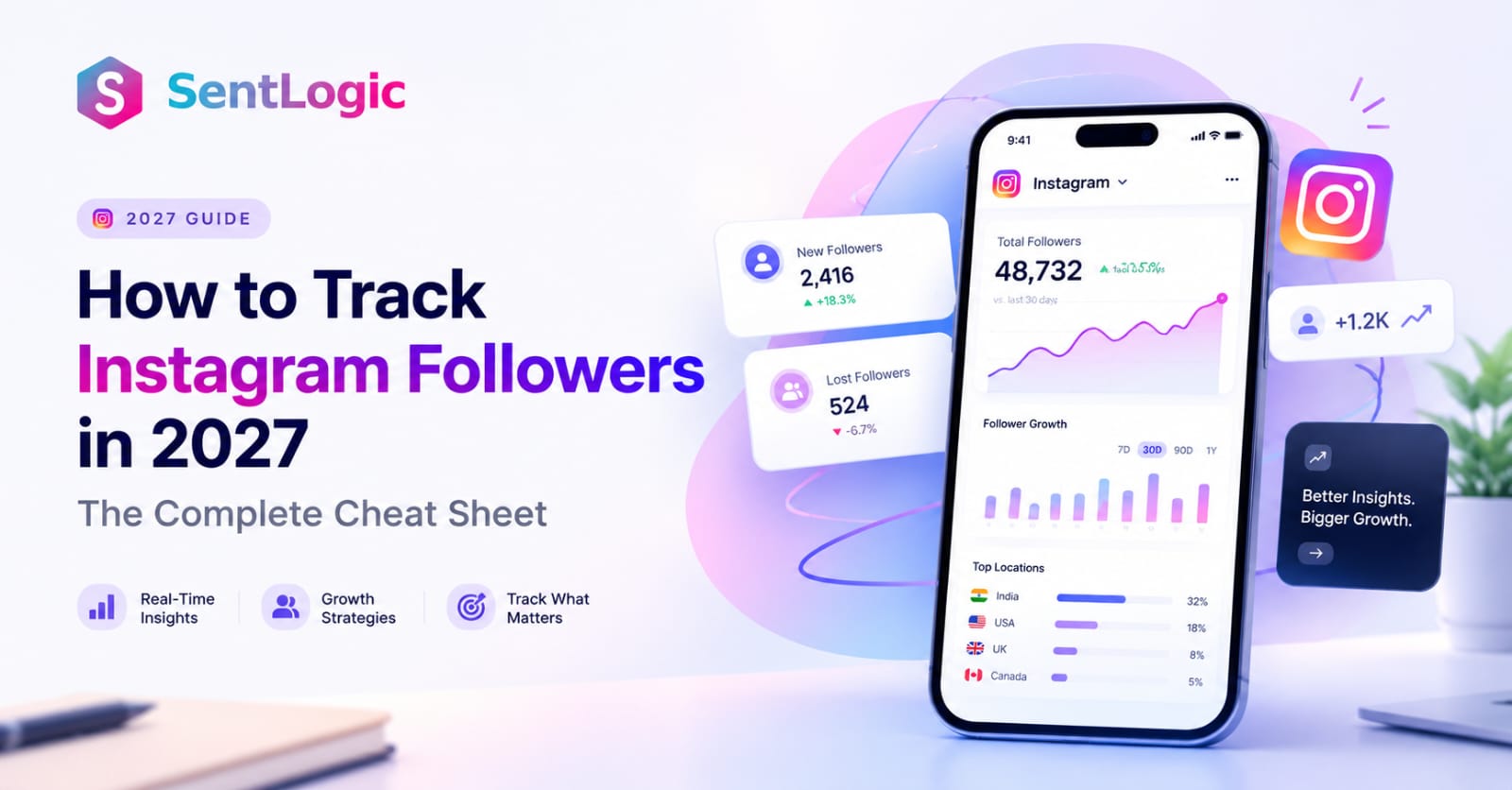
- Insights tell you which posts bring in new followers.
- Your tracking sheet records the trend over the months.
- LogI catch the followers from that post who comment, reply or DM, and turn them into qualified leads and sales.
- Logi's analytics show which of those conversations converted, so you know which content actually makes money, not just which content gets followed.
The Instagram follower tracker for a business in 2027 will not only count people, but also follow them from first comment to final purchase.
SentLogic pricing
There is a free plan to get started and a 14-day free trial for all plans. There are unlimited automations on every plan, but you have to pay for AI credits (approximately one AI reply per credit). SentLogic's pricing page lists the early-bird prices below; if you pay annually, you save about 15%.
| Plan | Price per month | AI conversations per month | Best for |
|---|---|---|---|
| Lite | $12 | 26 to 32 | Solo creators moving up from free tools; story reply automation, cold-DM follow-ups, conversion funnel |
| Starter | $29 | 85 to 105 | Adding AI replies grounded in your knowledge base, personality settings and handoff |
| Growth (most popular) | $69 | 225 to 280 | Full AI sales agent: hot-lead detection, product catalog selling, full analytics |
| Pro | $139 | 460 to 575 | Highest reply accuracy with advanced retrieval, knowledge versioning and priority support |
| Enterprise & Agencies | Custom | 2,100 and up | High-volume brands and agencies managing many clients |
A top-up of 200 credits costs $15. There are no setup fees, and you can cancel at any time. Prices may change after the early-bird period, so check the pricing page for the latest info. Start free with SentLogic and let LogI answer your next wave of followers while you keep creating.
The 30-day playbook: Track Instagram followers and boost engagement
This plan will show you exactly which content grows your account and which followers turn into customers in just 30 days.
Week 1: Set up your baseline
- Consider upgrading to a Business or Creator account
- Create a new tracking sheet to track today's total followers, as well as the past 90 days' followers and unfollowers
- Take a screenshot of the demographics and most active times of your audience
- You should change your password if you've ever used a follower app and enable two-factor authentication
- Get a 14-day free trial of SentLogic by connecting your account
Week 2: Discover what attracts followers
- Ranking your last 20 posts by follows (Insights > post > View insights)
- Choose three topics or formats that you find most appealing
- You can write your own knowledge base for LogI, including products, prices, FAQs, shipping policies, and tone of voice
- You can automate one comment-to-DM on your next post (for example, "Comment GUIDE and I'll DM you the link").
Week 3: Publish and respond right away
- When you are most active, post three pieces in your top-performing format
- Create a call-to-action story reply automation for every story
- Answer DMs and comments in real time with LogI, review conversations daily and adjust the knowledgebase accordingly
- Make sure Hidden Words is enabled, and remove obvious bot followers
Week 4: Review and double down
- Track your growth, growth rate, and unfollows on your tracking sheet
- Open SentLogic's analytics: which automations started the most conversations, and which converted
- If you compare the posts that brought the most followers with those that brought the most leads, you will often find that they are not the same.
- Make sure next month's content combines both
By the end of the month, you will know who your Instagram followers are, and you will have a system that answers their queries automatically.
Frequently asked questions
How can I track the followers on Instagram for free?
The Instagram Insights feature is free and built into every professional Instagram account. Combine it with a weekly spreadsheet so you can track your progress over time.
Is it possible to see my Instagram follower count history from last year?
You won't lose history inside Instagram, which keeps 90 days. If your profile is public, a public tracker like Social Blade might have indexed it.
How can I track daily changes in my Instagram follower count?
With SentLogic, you'll receive real-time team notifications when a hot lead appears in your DMs when you open Insights and select the last Seven Days range.
What is a reliable Instagram Unfollower tracking tool?
It's not easy to create a named unfollower list on Instagram, so apps that claim to do so often scrape or use your Instagram login. The safest method is to compare two Instagram follower exports from Download your information.
How safe are websites that offer free Instagram followers?
Inauthentic followers are removed by Instagram, and accounts that keep using these services may be restricted. Instead, focus on real growth.
How can an Instagram follower dashboard help you find out how many people are following you?
With SentLogic, you can see the total number of followers, the number of follows, the number of unfollows, the growth rate, the audience's age, gender, and location, the number of active hours, and the number of followers per post.
Can you give me a detailed report on my follower demographics?
To track your audience growth, go to Insights > Total followers and scroll down to the audience section. At least 100 followers are needed. Take screenshots of your audience monthly.
Does SentLogic track followers?
Rather than a follower counter, SentLogic engages and qualifies your Instagram followers by showing which conversations convert, qualifying them as leads.
Can SentLogic see my Instagram password?
No, you have to integrate your professional account through Instagram's official messaging APIs.
Is SentLogic expensive?
The Free plan includes a 14-day full-access trial. Paid plans begin at $12 per month (early bird pricing) and go up to $139 per month for Pro, with custom Enterprise and agency plans available. See the pricing page for more information.
One last thought: count fewer, connect more
A winning Instagram account in 2027 will track followers carefully, then put energy into those followers who actually follow. With Insights, you can get accurate 90-day data, keep your own follower count history in a simple spreadsheet, avoid free Instagram followers websites, and clean out bots every quarter.
Once you notice a post bringing you new followers, ensure that every comment, story reply, and direct message gets a quick, helpful response. That's exactly what SentLogic's LogI does, every hour of every day, in your brand voice.Ready to turn your followers into customers? Start free with SentLogic or compare plans.
Related Articles

No setup fees · Cancel anytimeStop losing leads and
Stop losing leads and
repeating order updates.
Join thousands of brands using LogI to automate, optimize, and scale their Instagram DM sales, effortlessly.
Loved by 800+ sellers · 4.9 ★ on Trustpilot
Start Growing With the LogI